Exhibition concept
The collection became a public exhibition at the BINARIUM in Dortmund. The documented concept brings together game consoles and computers in two chronological tracks. It can be taken over along with the digital exhibition texts and developed further for a new location.
Go straight to the structure · Explore the former BINARIUM
A starting point for a new exhibition
The structure provides a starting point for choosing themes, planning the sequence of a tour and connecting objects with explanatory texts. A new operator can develop their own areas of focus and adapt the scale, rooms and interpretation to their audience.
On request, Christian Ullenboom can support this adaptation as well as the setup and opening. His expert support is included in the purchase price; the scope, schedule and travel expenses are agreed individually. Discuss acquiring the collection.
Presenting history and bringing it to life
Three examples from the concept illustrate different approaches:
- Playing and creating: The C64 section combines devices and cartridges with advertising, music and games. A new exhibition could use these as the basis for demonstrations or hands-on activities.
- Understanding technology through comparison: The peripherals and immersion area compares different forms of game control. Objects, information panels and newly installed demonstration stations can show how interaction has changed.
- Discovering gaming culture: The media lounge brings together magazines, music and demos. It offers ideas for a dedicated space for reading, listening and exploring in greater depth.
Gaming and media stations would be set up afresh at a new location. Selecting suitable devices, software and presentation formats forms part of the detailed exhibition planning.
The concept and today’s inventory
These pages document the former structure and additional design ideas. Photographs show the museum as it was. The implementation of individual proposals is not consistently documented; items marked “Planning note” originate from earlier review notes.
The current inventory lists determine what is included in the purchase. The hardware from the former gaming stations remains part of the collection.
The combined inventory overview brings together the items included. The concept and existing digital texts serve as a working basis for the new exhibition.
Elements of a section
| Term | Meaning in the concept |
|---|---|
| Track | Game consoles and computers, each in chronological order |
| Exhibition area | A thematic part of a track, such as “The heyday of 8-bit home computers” |
| Section | A unit within an area with its own theme, such as “C64” |
| Information panel | Introductory or background text on a theme |
| Exhibit | An object or group of objects selected for the theme; the inventory lists show the current holdings |
| Gaming station | A concept for hands-on use of a device or an emulation |
| Media station | A concept for exploring a theme through video, sound or interactive presentation |
The story behind the two tracks is told on the History of home computers and game consoles page.
Structure
The following areas and sections provide access to the concept. The tiles identify the types of elements described.
Lane: game consoles
Game consoles
Area Consoles 1
The beginnings: generations 0 to 2
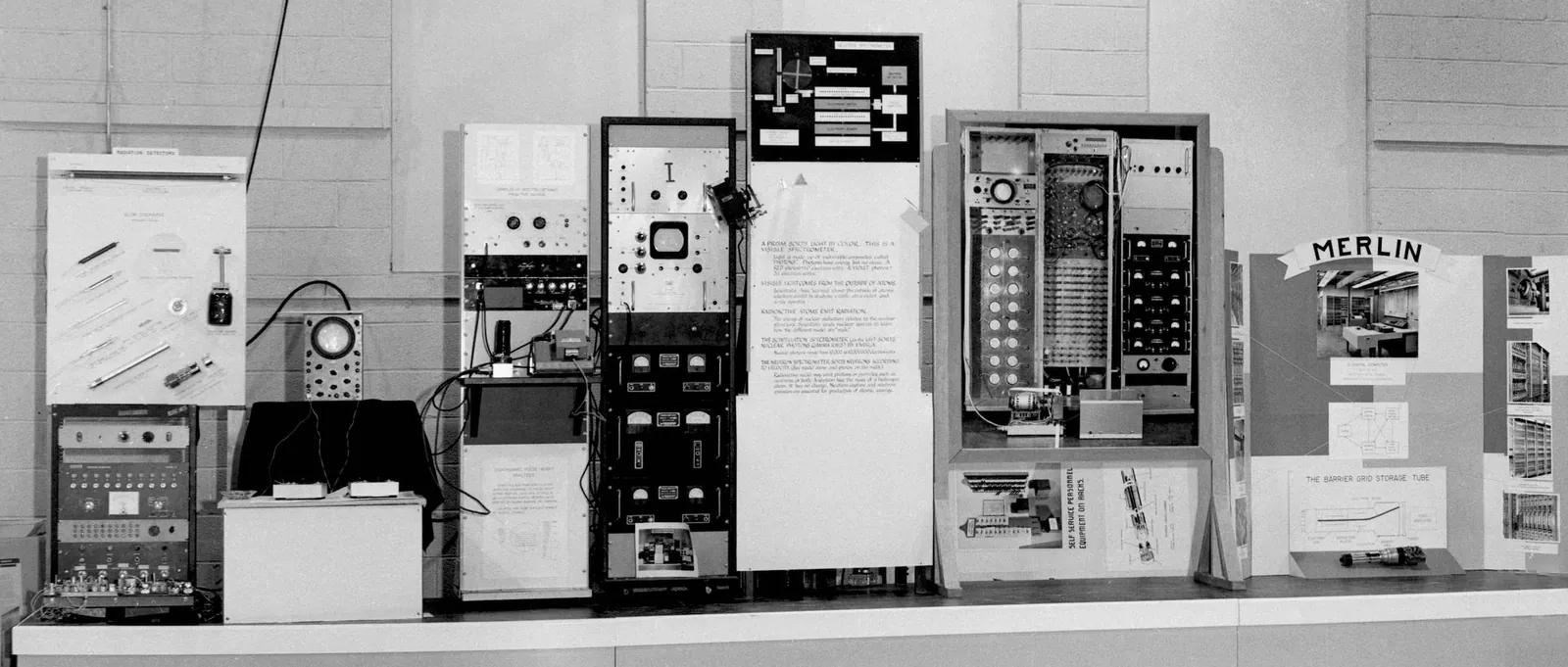
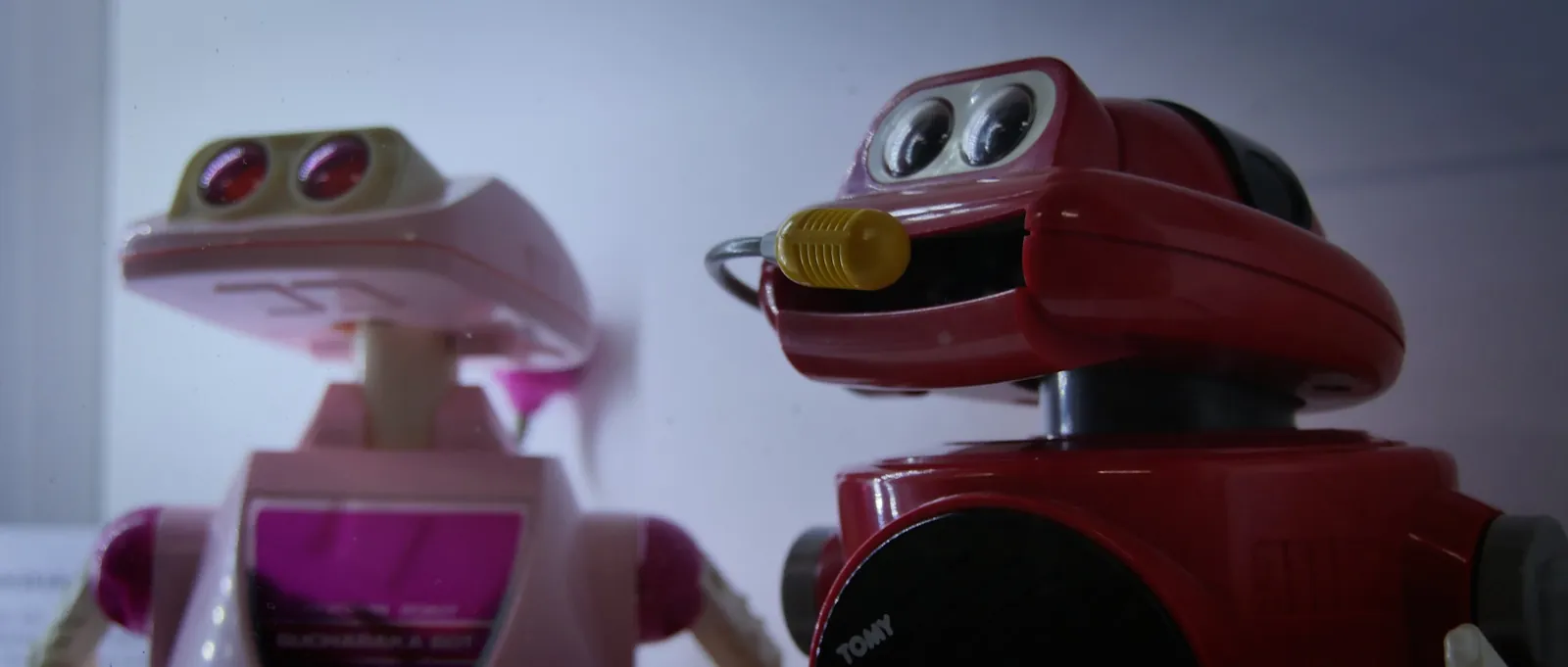
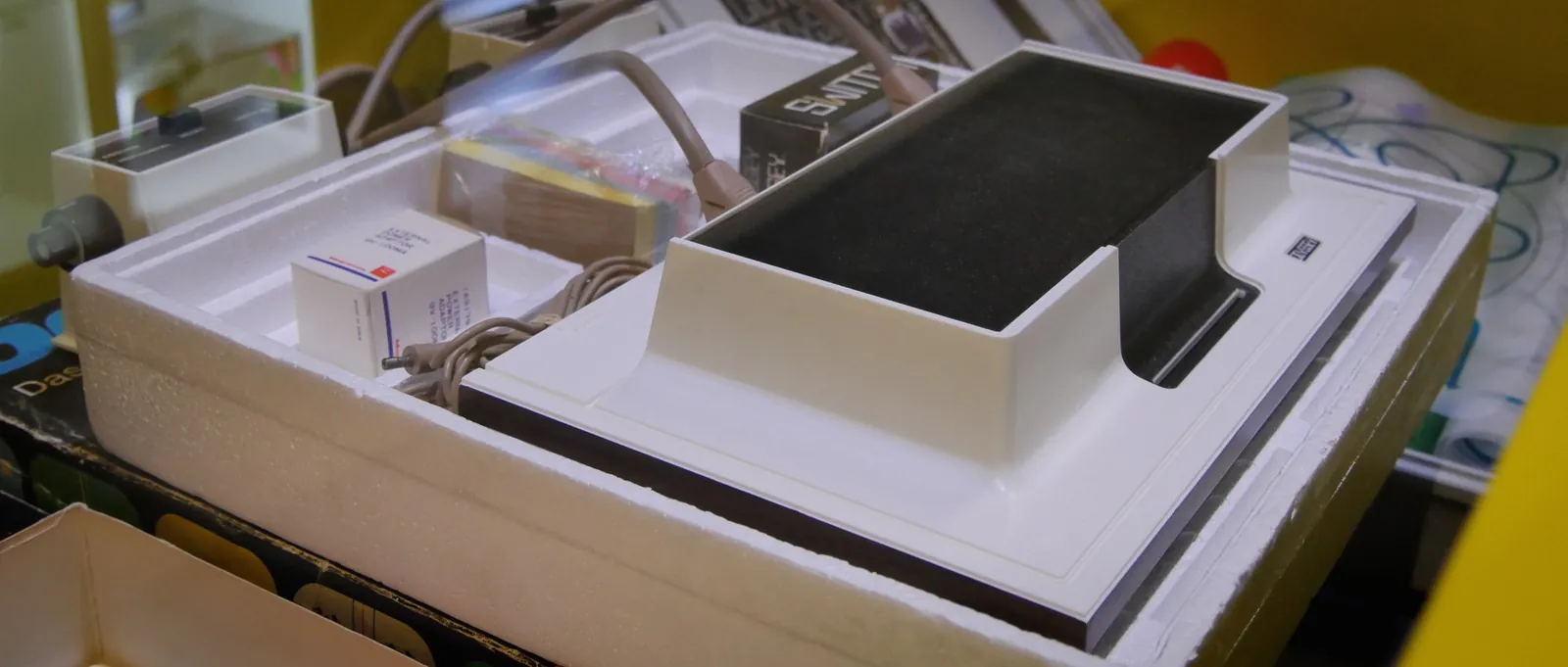
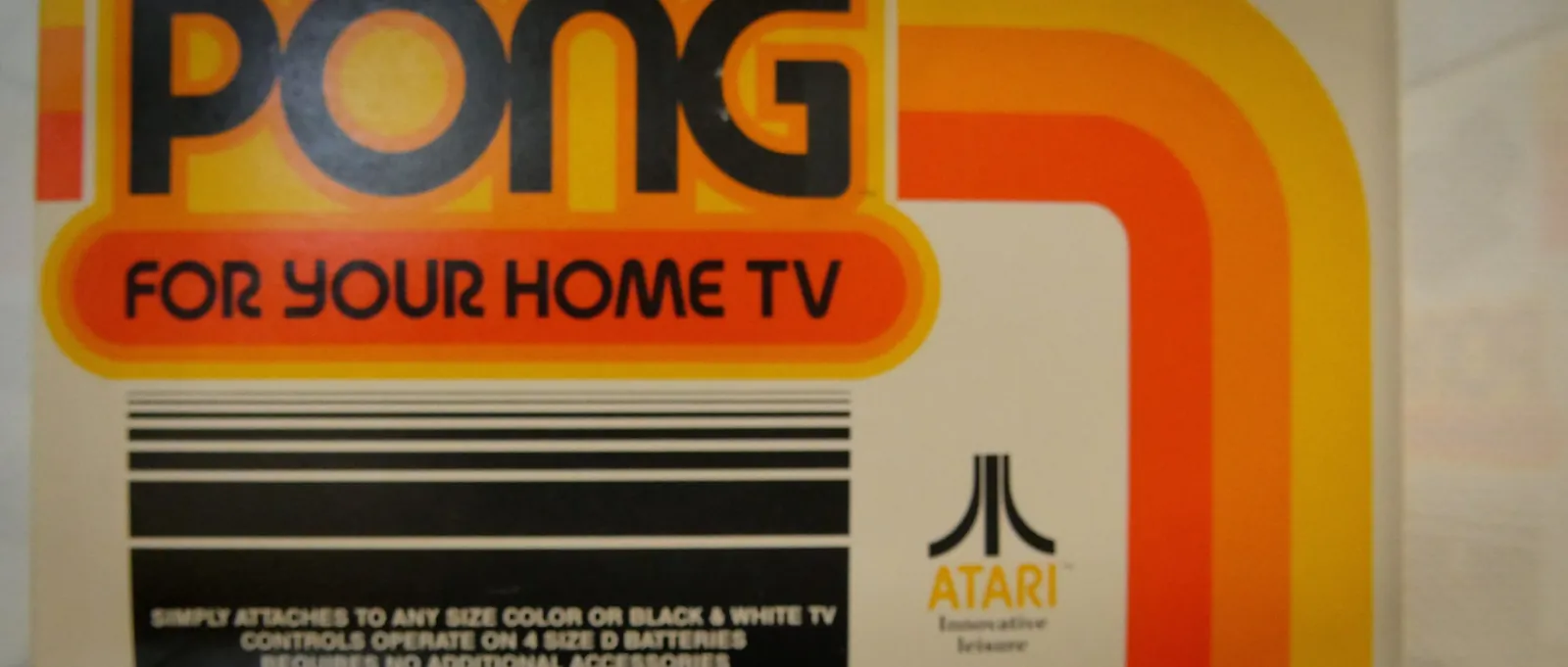
From the earliest games in laboratories through Ralph Baer, the Magnavox Odyssey and Pong to the second console generation, alongside electronic toys, arcades and peripherals.
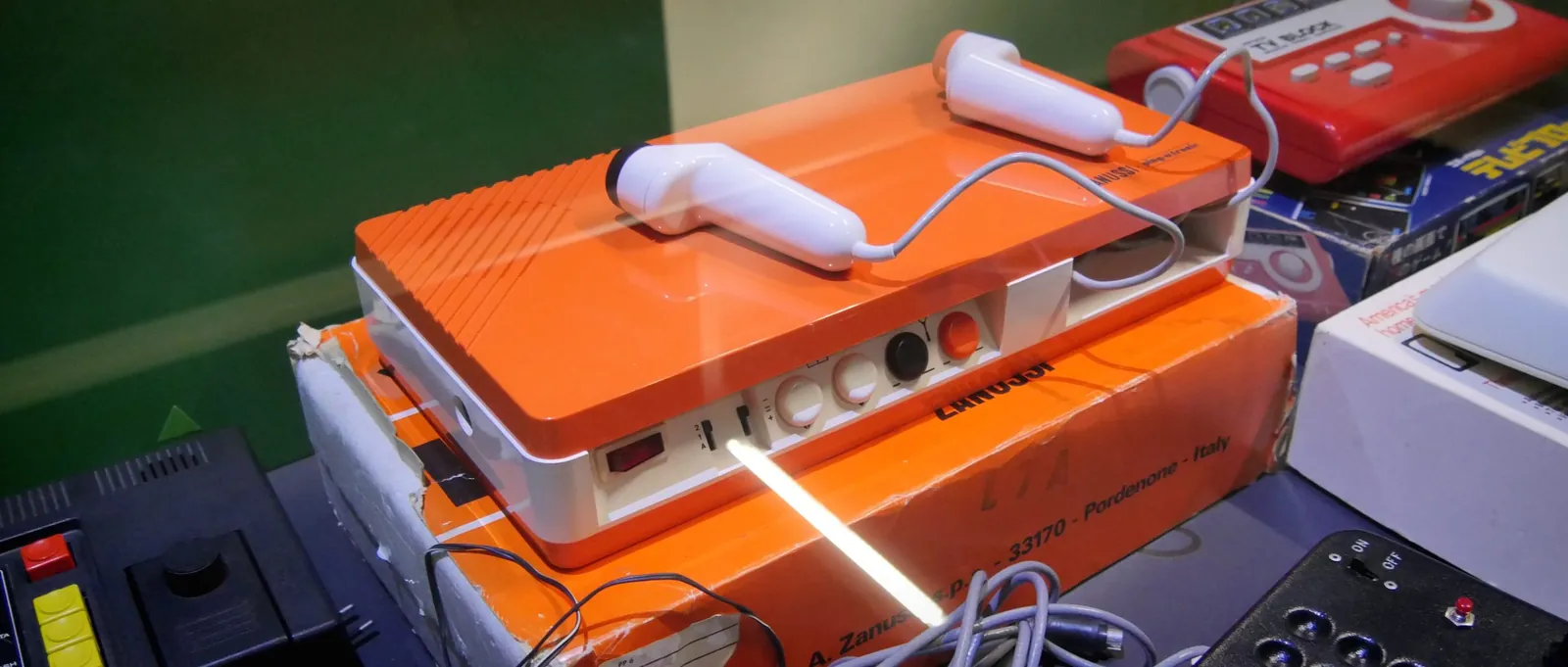
Generation 1
Concept elements: Panel · Object · Gaming station · Media station
Photo: own photograph
Open page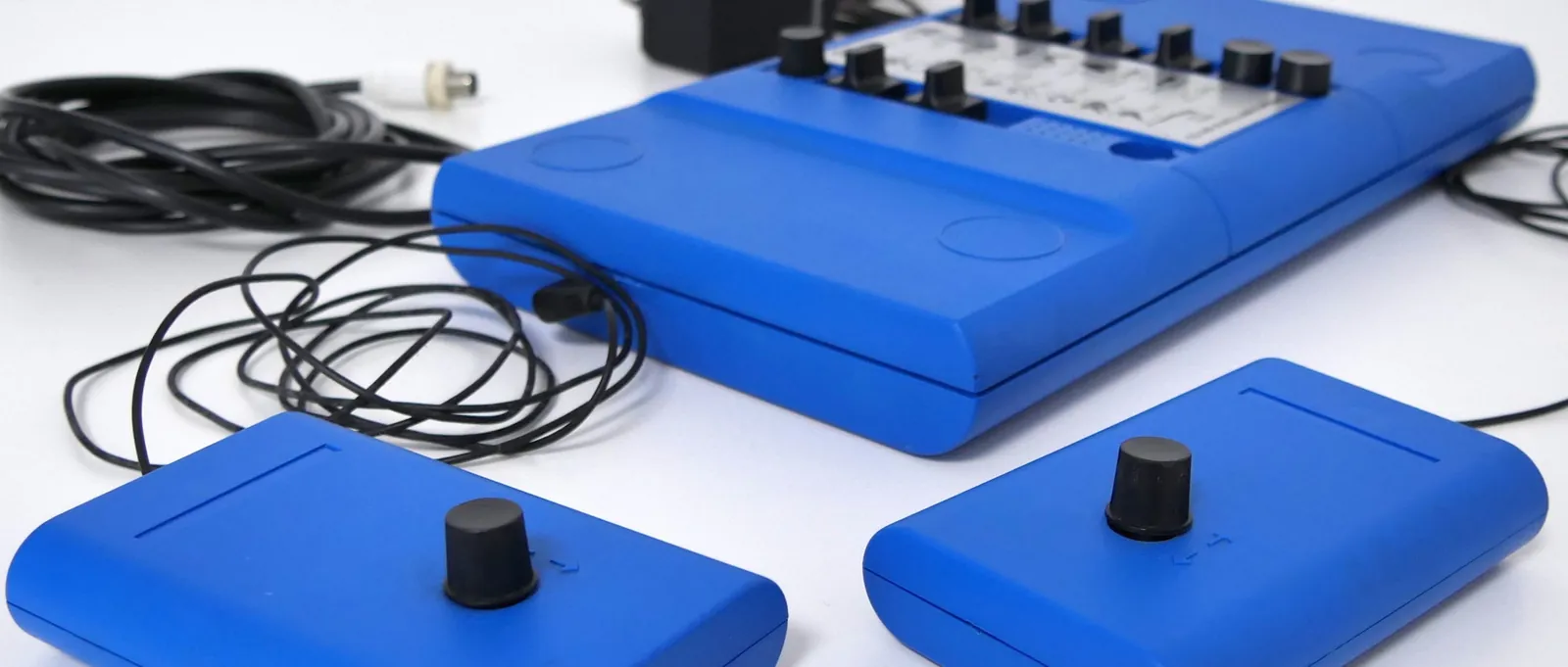
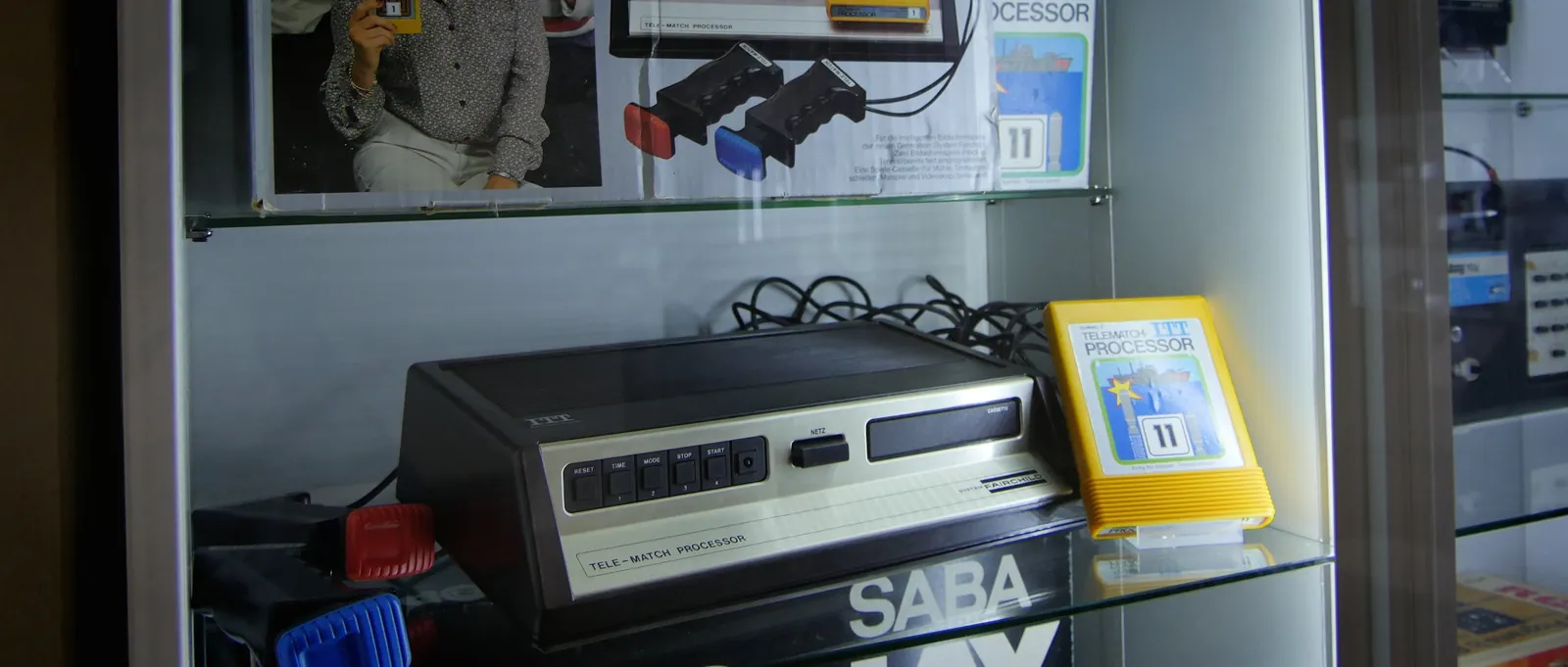
Generation 2 – A new market
Concept elements: Panel · Object · Gaming station
Photo: own photograph
Open page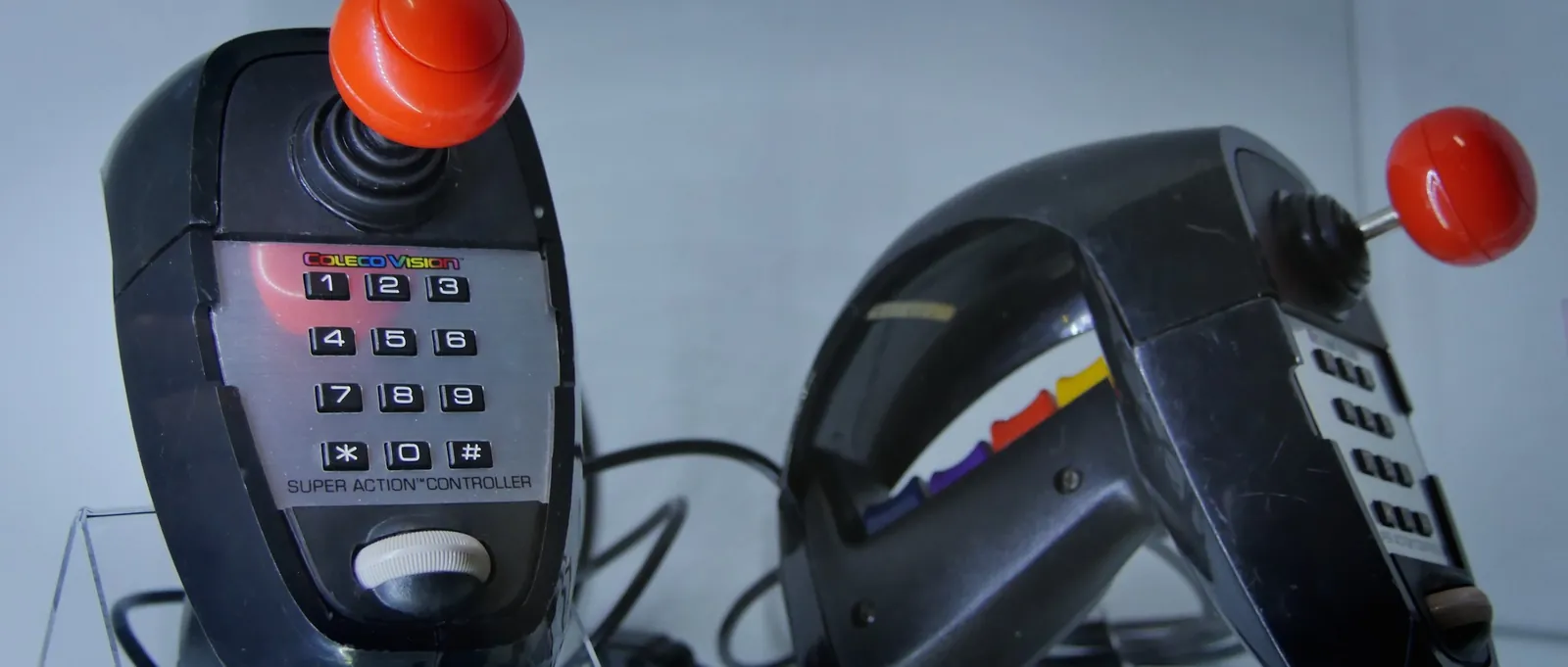
Area Consoles 2
The major generations: 3 to 6
From the video game crash of 1983 through Nintendo, the PC Engine and Neo Geo to the sixth generation, alongside consoles in hi-fi systems, copying devices and gaming stations.
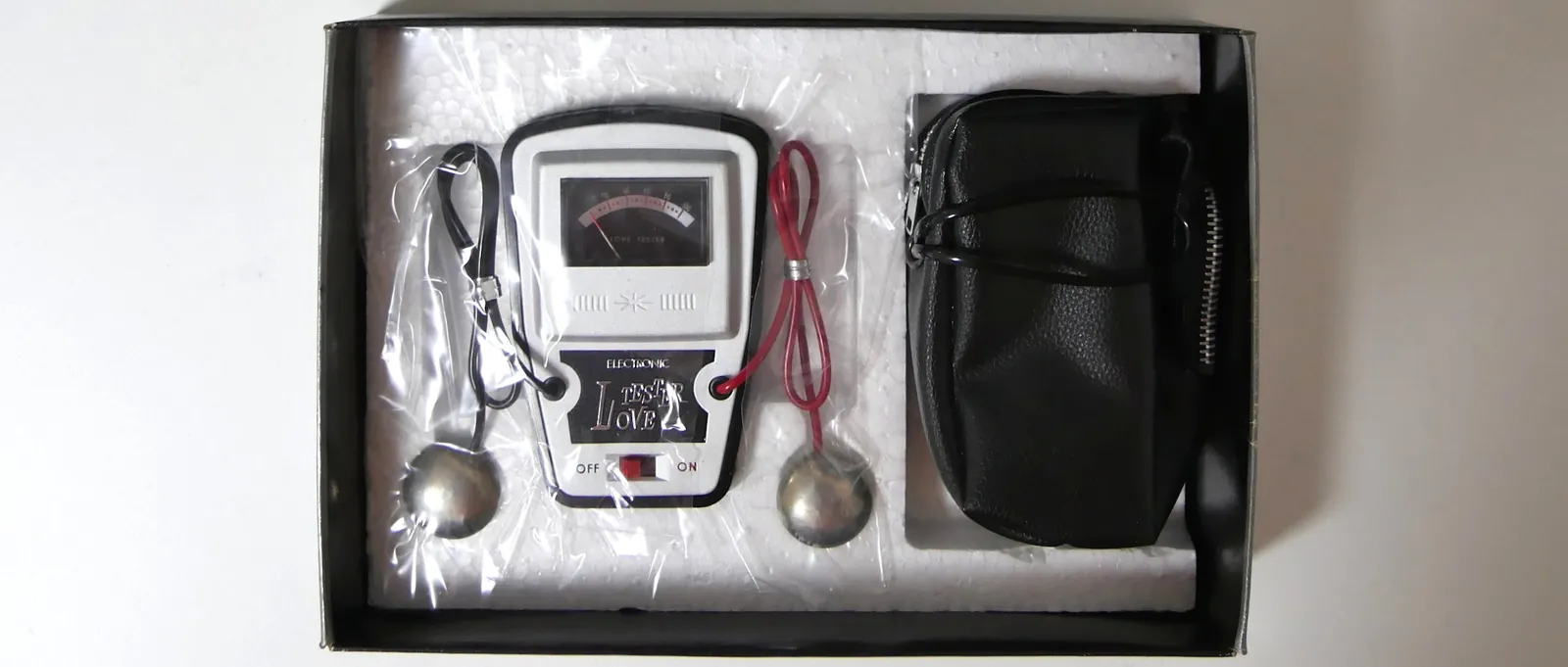
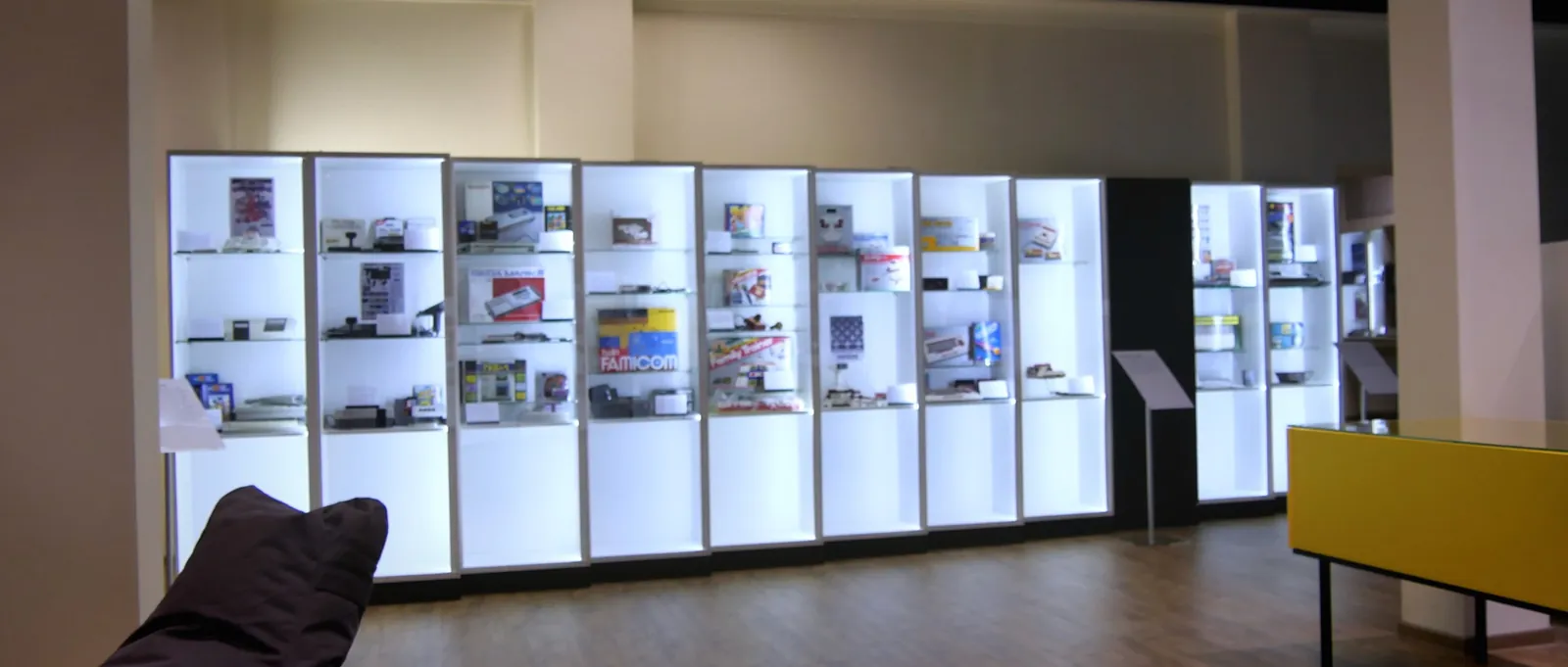
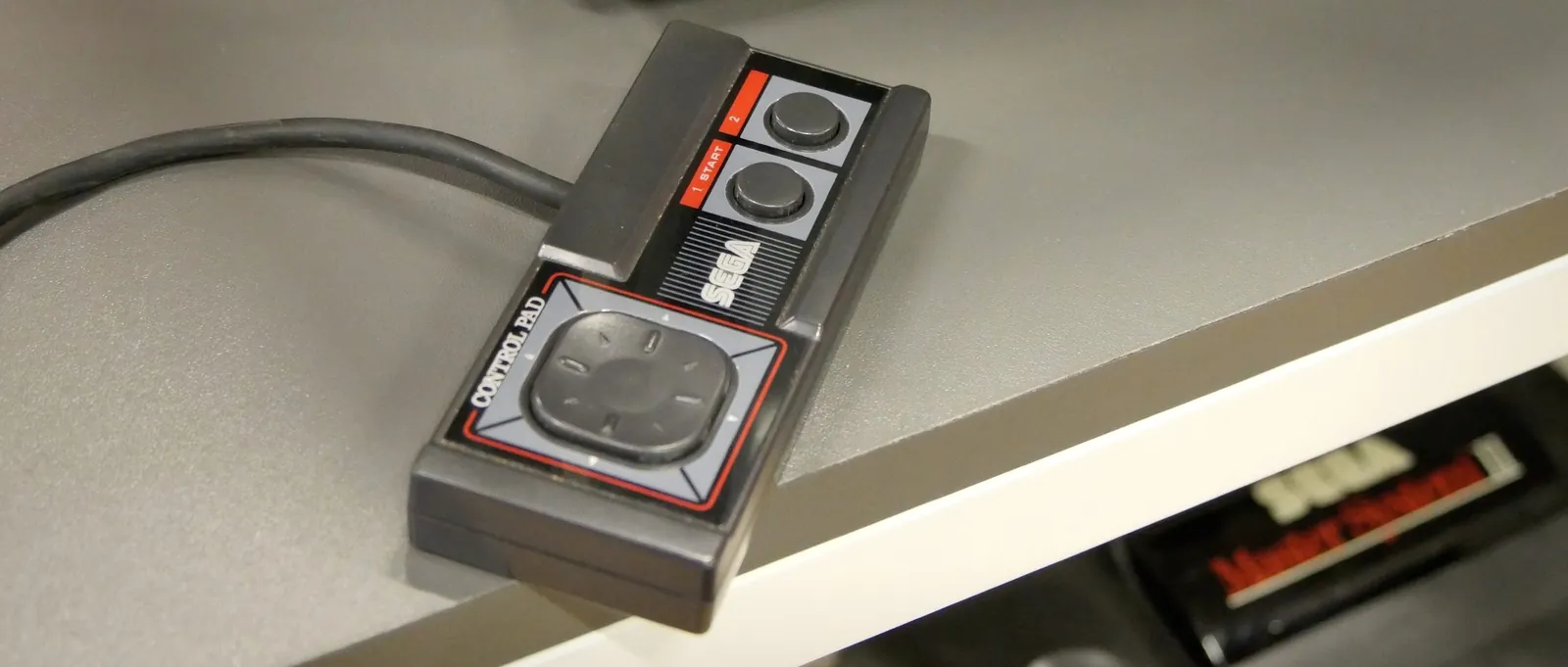
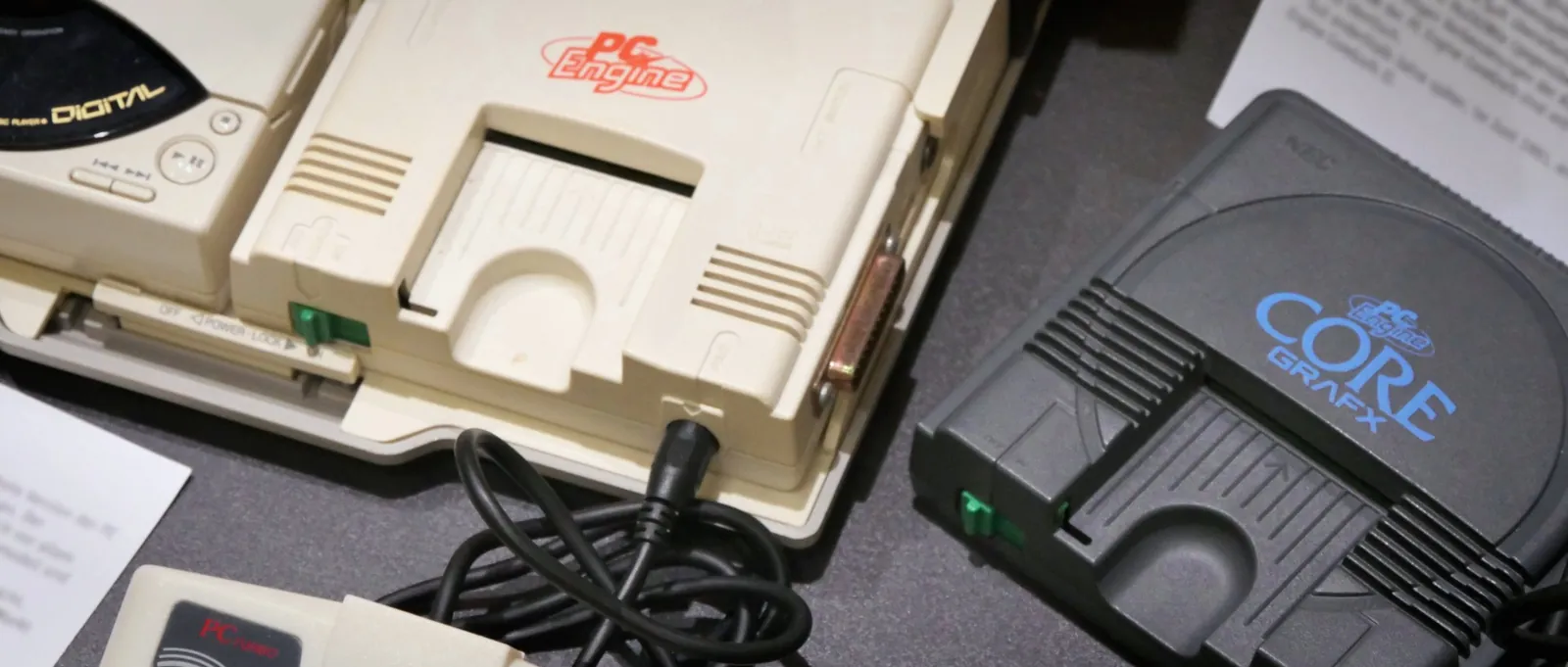
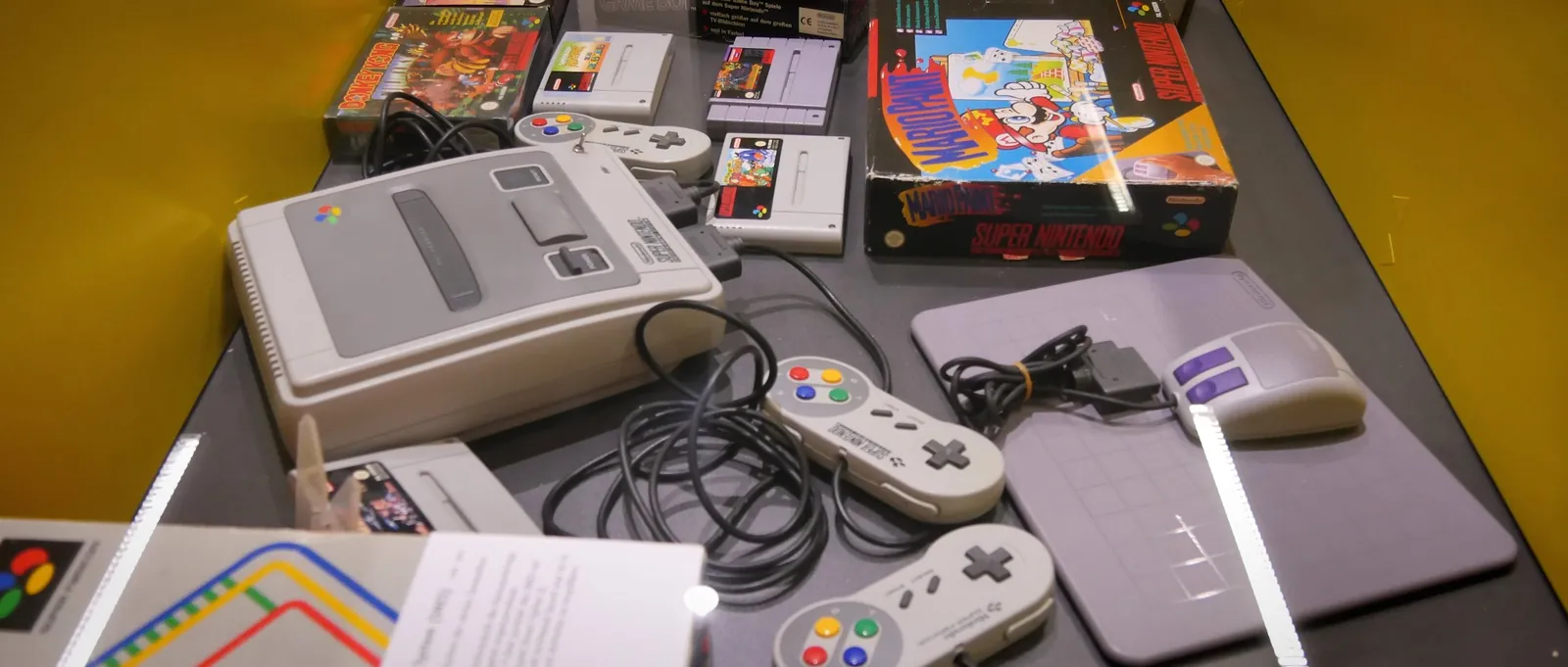
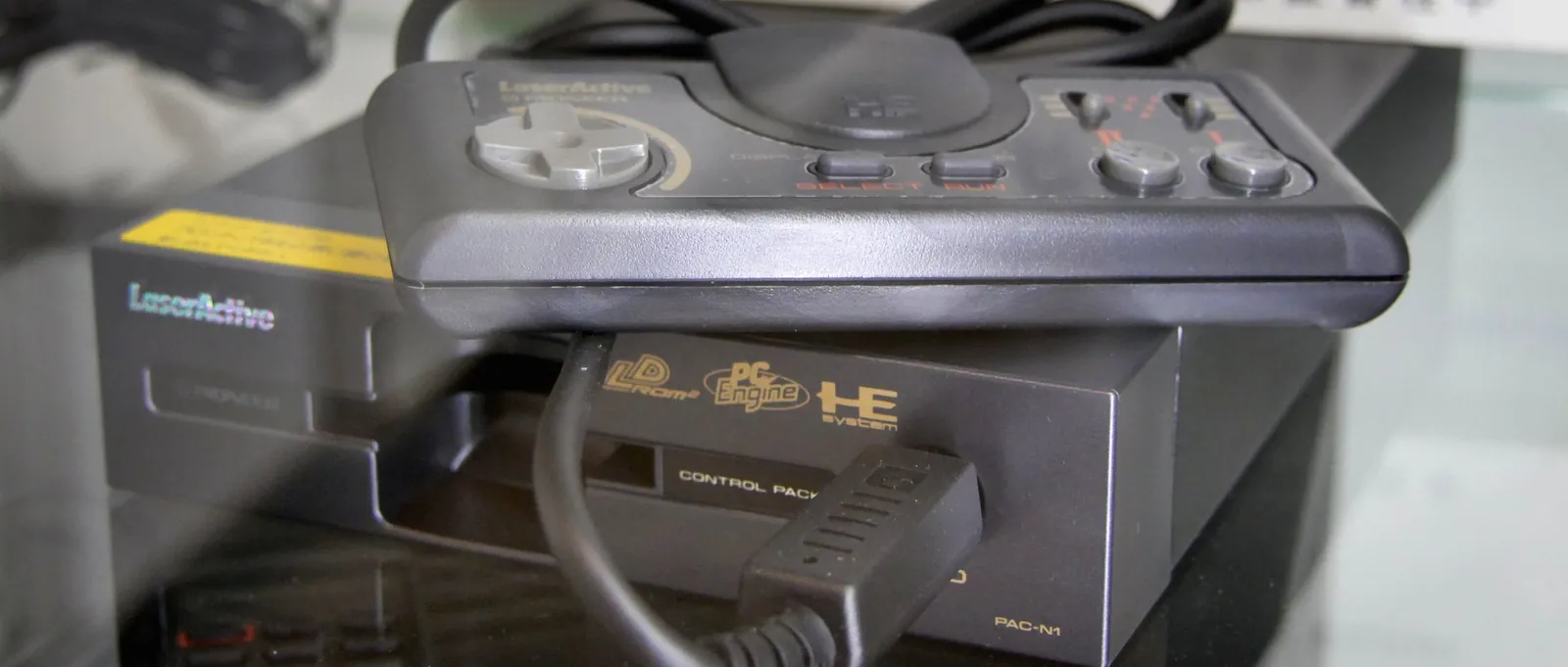
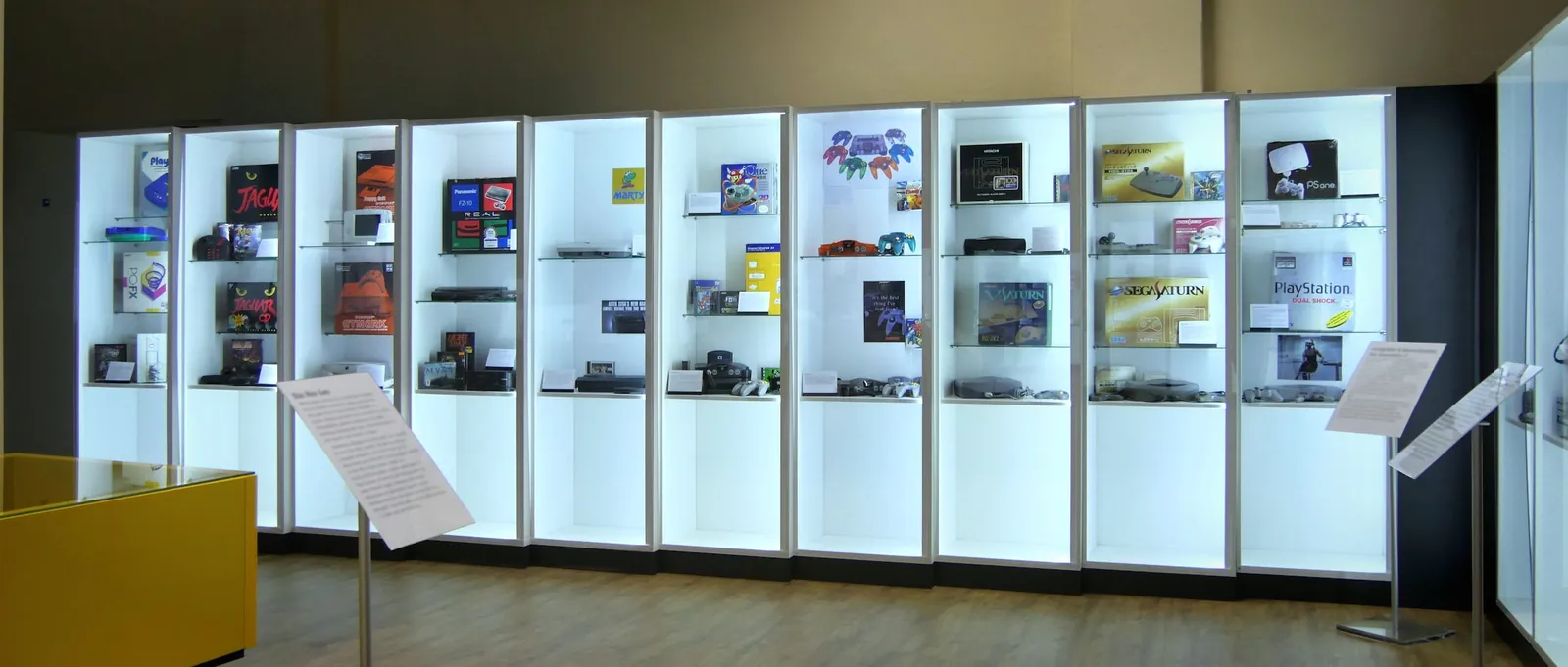
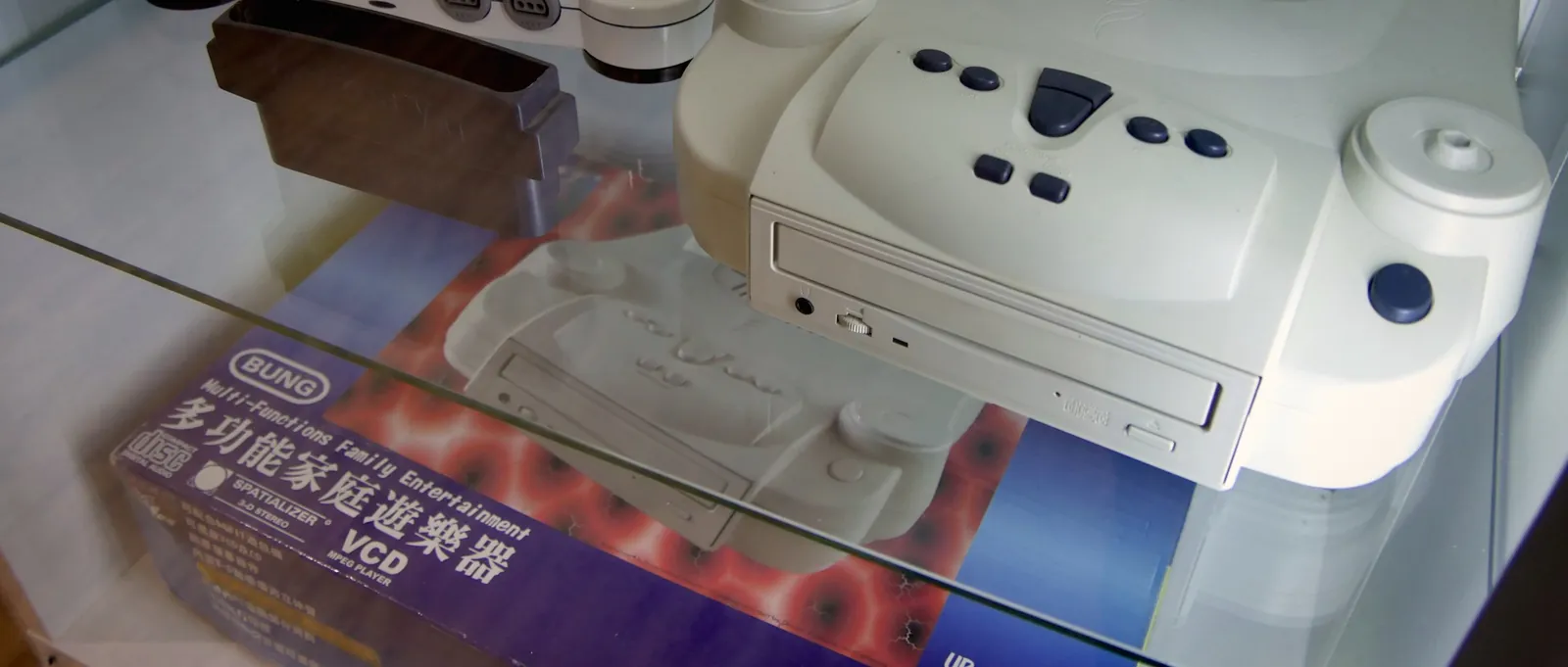
Copy stations, flash and cheat modules
Concept elements: Panel · Object
Photo: own photograph
Open page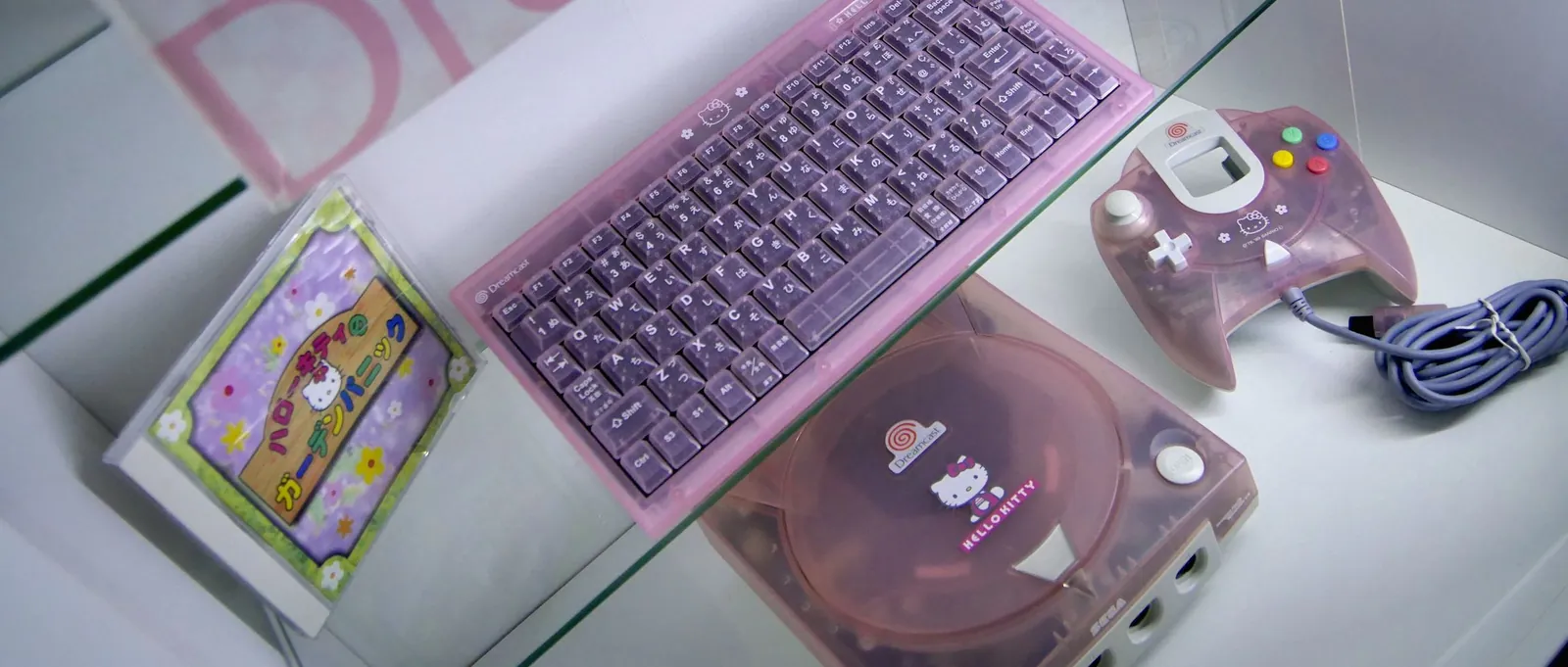
Area Consoles 3
Recent generations and new ways to play
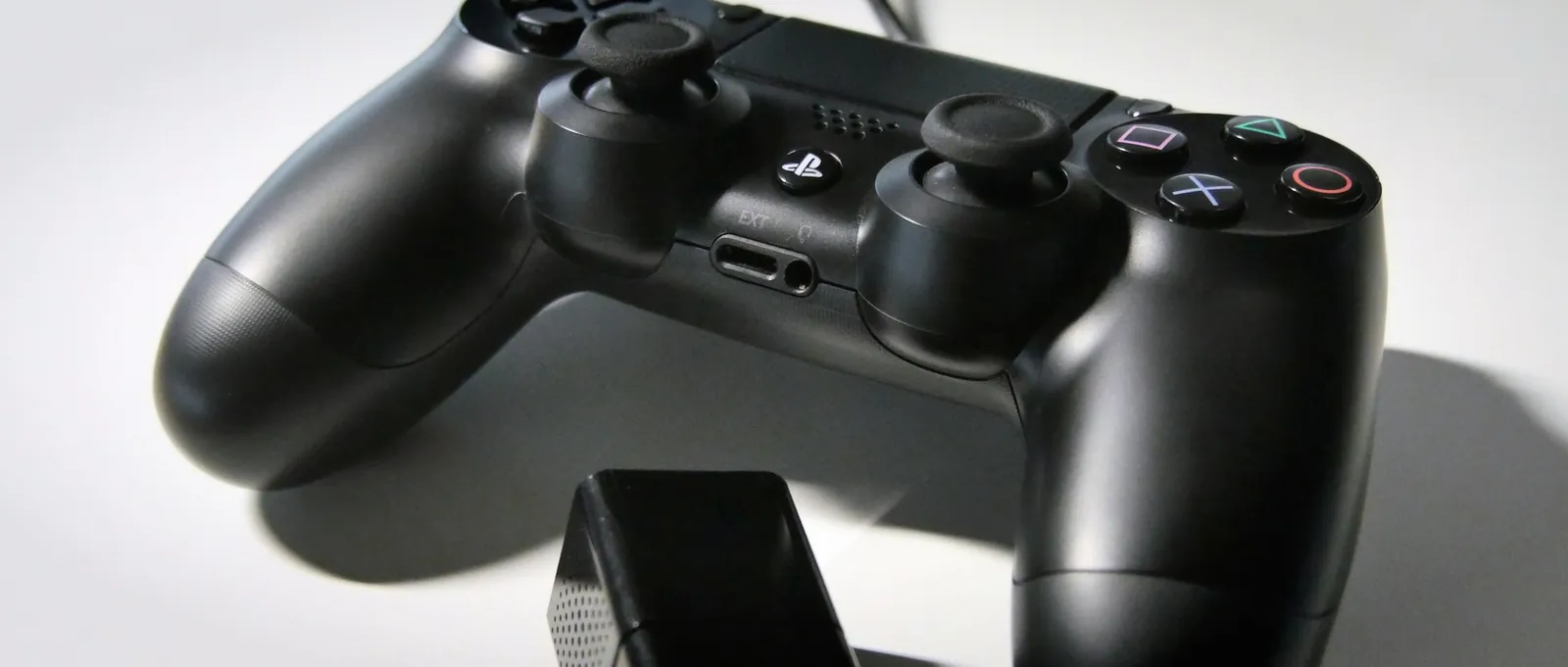
Generations 7 and 8, peripherals and immersion, and ideas for extending the exhibition up to the PlayStation 5. Also mobile gaming, virtual reality and simulators.
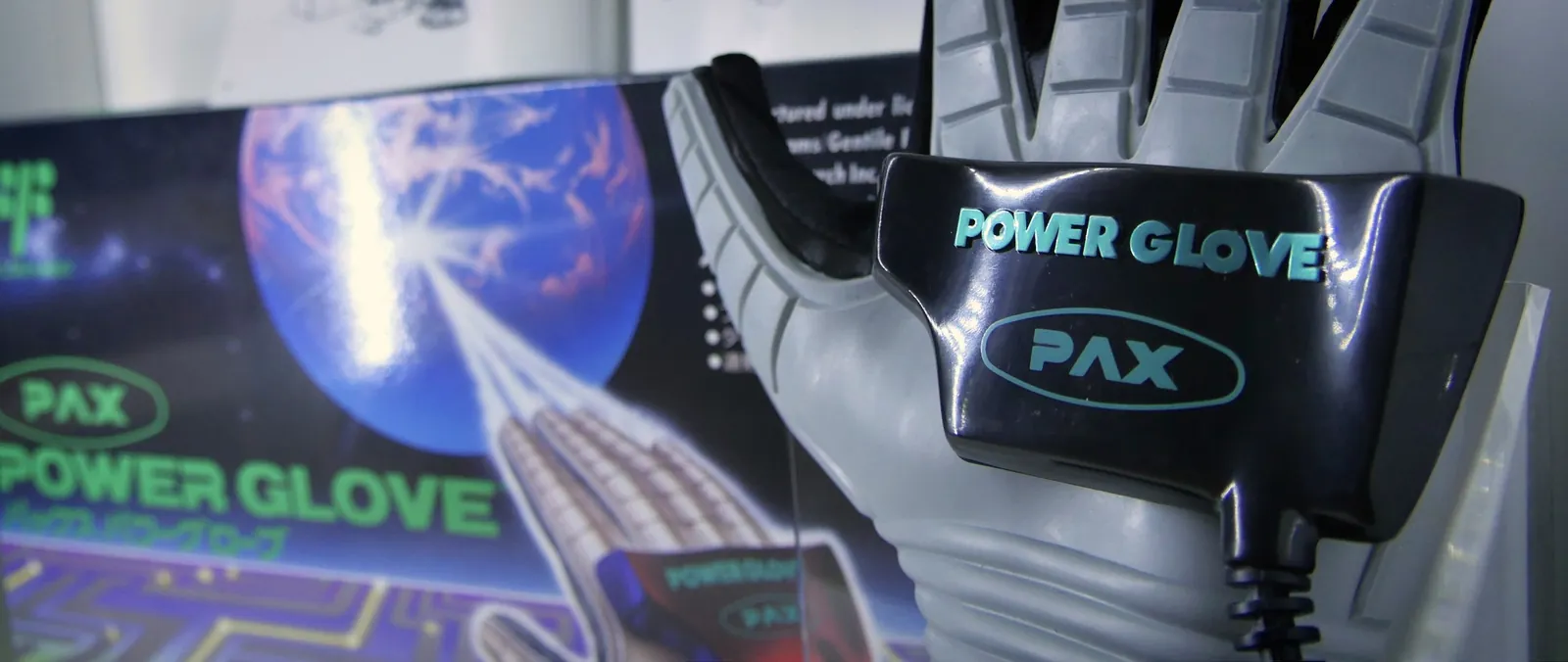
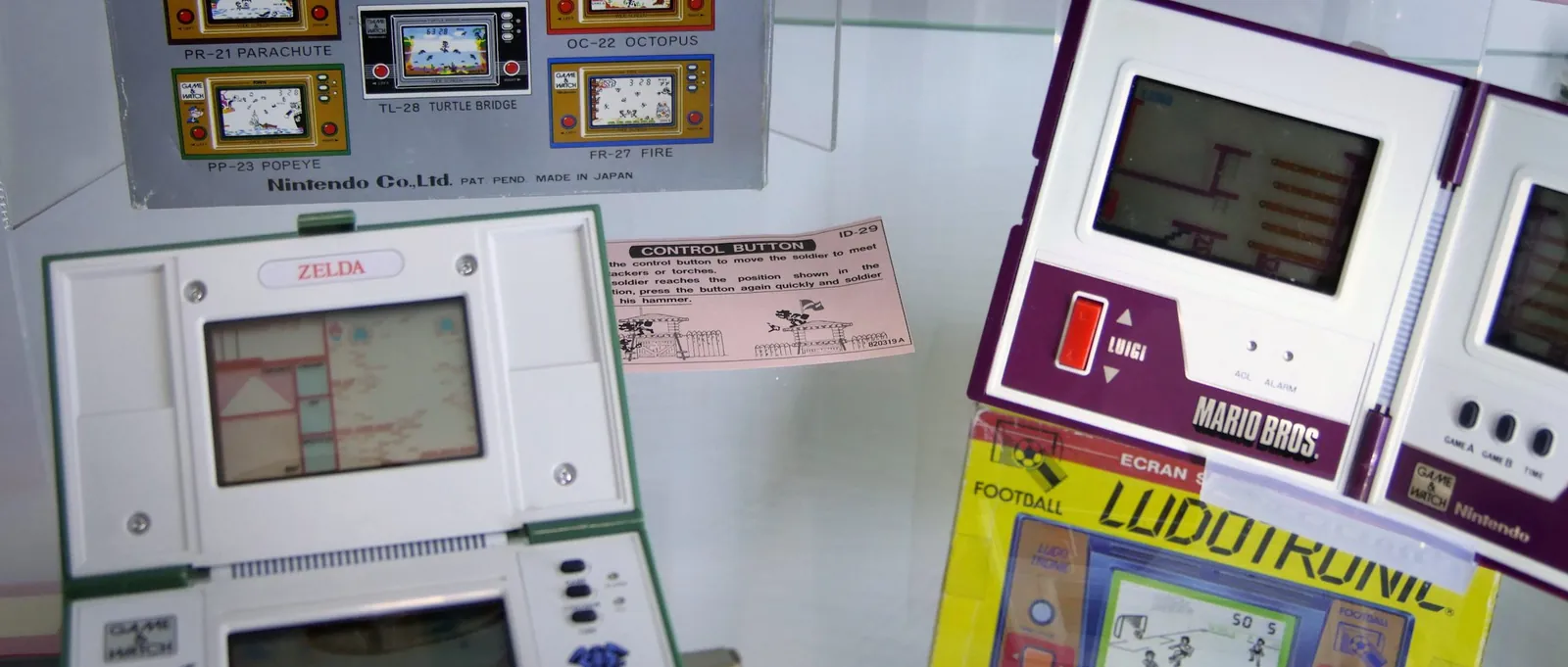
Mobile Gaming
Concept elements: Panel · Object · Gaming station · Media station
Photo: own photograph
Open page
Lane: computers
Computers
Area A
History of computing
The small exhibition is without exhibits and works with display boards. It illustrates the historical development and visualizes how young computers are and …
Area B
The first home computers
In the initial phase, home computers had to be built together themselves. The pioneers of the home computer had to be able to handle soldering irons and …
Area C
The beginnings of 8-bit home computers
Computers are no longer offered as kits, but are marketed completely.
The beginnings of the 8-bit home computers
Concept elements: Panel · Object · Gaming station · Media station
Open pageArea D
The heyday of 8-bit home computers
Start of a mass market, computer for the middle of society.
Different standards/Other 8-bit computers (1982 - 1984)
Concept elements: Panel · Object · Media station
Open pageArea E
16/32-bit home computers and late 8-bit models
As in the console track, selected Amiga and Atari games are available via emulation.
Area F
The standard PC
Exhibition concept for the standard PC: firmware, plug-in cards, graphics, sound and Windows as themes for display boards and media stations.
Area G
Portable computers and laptops
Exhibition concept for portable computers and laptops: sample devices as well as display board topics on batteries, LCD and TFT technology.
Area H
Smartphones and tablets
Exhibition concept on mobile computers: pocket computers, PDAs and smartphones as examples of the change in personal computer usage.
Area I
Peripherals
Exhibition concept for computer peripherals: drives, input devices, printers, monitors and data transmission as graphic technology topics.
Area J
Retrocomputing and retro gaming
Exhibition concept on retro computing and retro gaming: emulators, FPGA systems, extensions, magazines and the retro scene.
Retro computing and retro gaming
Concept elements: Panel · Object · Gaming station · Media station
Open pageArea K
Media lounge
An idea for an area for reading, listening and exploring further with magazines, demos and computer music.