Nintendo Super Game Boy Adapter (SHVC-027/SNS-027/SNSP-027)

Summary
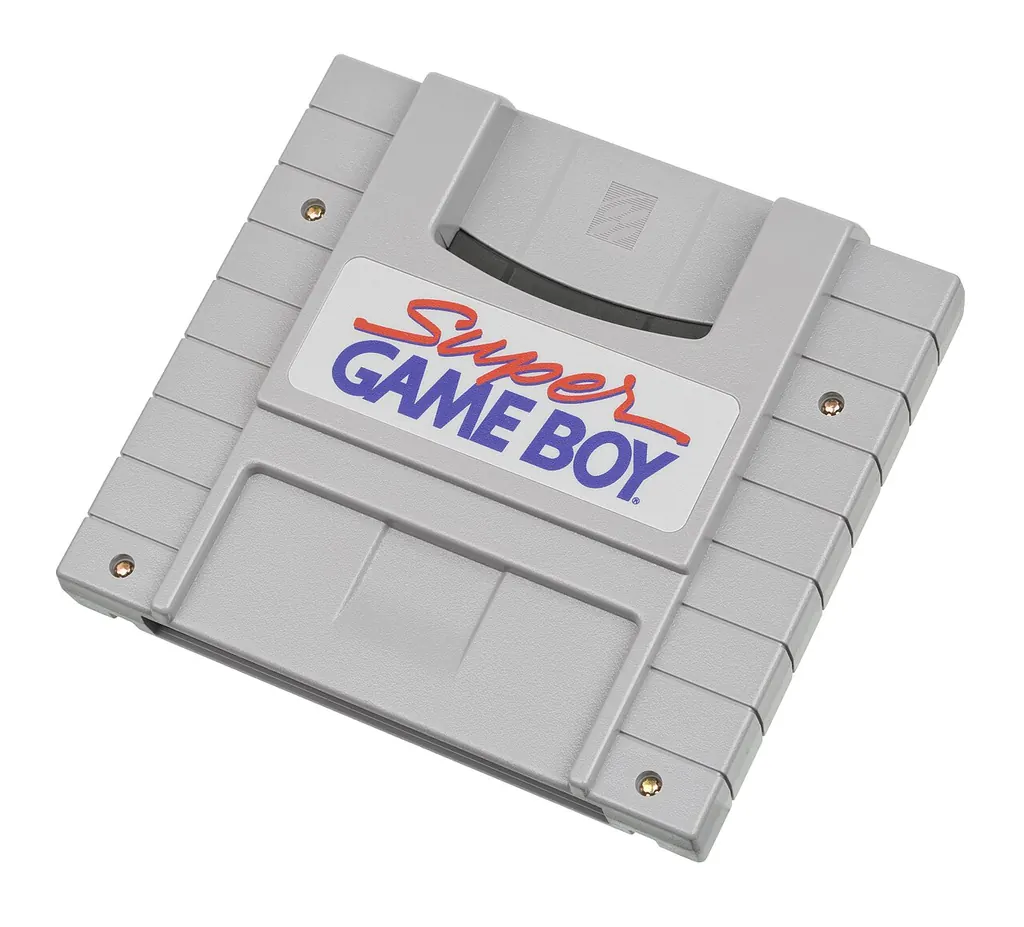
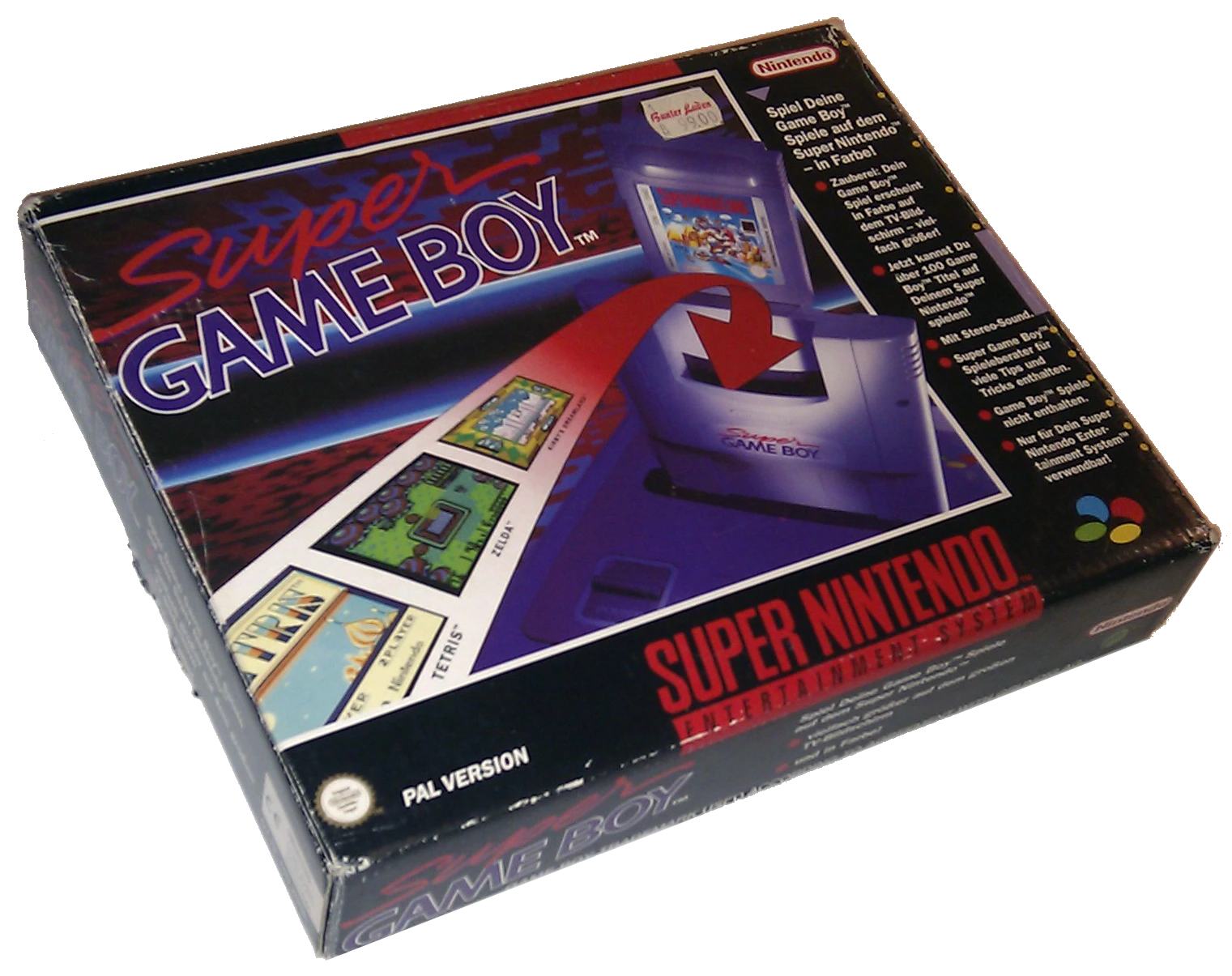
The Super Game Boy allows you to play games for the Nintendo Game Boy with the Super Nintendo Entertainment System (Super Famicom in Japan). Nintendo launches the 1994 adapter so that games for the portable Game Boy can be played on the home screen via the SNES. The SNES does not emulate the Game Boy, but the adapter contains the complete hardware of a Game Boy and essentially only passes on the video signals. However, the clock of the adapter is based on that of the SNES, which means that the execution speed is about 2.4% higher than that of an original game boy.
To bring the Game Boy games, which have a native resolution of 160 x 144 pixels, to the resolution of a TV, the image is not scaled up, but drawn a frame. (The later Nintendo Game Boy Player for the Nintendo GameCube also allows a scaling.) In addition, the Super Game Boy allows the allocation of colors for the four grayscales. Various pallets are available by default. In the system menu, which is activated by simultaneously pressing the buttons “L” and “R”, pallets can be assigned and also own pallets can be defined. And an interesting development began: Game Boy games become “Super Game Boy” games and began to explicitly use properties of the adapter such as color palettes. A separate logo on the Game Boy games makes this clear. Some games go even further and reveal special music tracks and language samples when they run on the Super Game Boy.
The Super Game Boy is the first official accessory to play game-boy games on TV. The model number for the Super Famicom is SHVC-027, for the American market SNS-027 and SNSP-027 for the PAL version. Four years later, in 1998, the Super Game Boy 2 appears exclusively in Japan with further frame possibilities and support for the connection cable. The slight speed difference was also corrected. A similar product is the Advance Game Port of Datel, which brings Game Boy Advance games to the Nintendo GameCube. However, all reviews of this product are tearing away.
Sources and further links
Connections in the collection
In the exhibition concept
- Generation 4 · Area Konsolen 2, Section 6
Keywords
Acquire the complete collection.
The collection is offered as a whole. The inventory lists show which objects are included.